
Network Setup Houston
Fast, reliable networks built for security systems.
Network Setup Houston
Network Setup in Houston, TX
When the Wi-Fi drops or a camera keeps going offline, it interrupts work that should be straightforward. New Era Trading helps Houston businesses plan and set up networks for computers, security cameras, phones, printers, and everyday business equipment.
Whether you’re opening a location or sorting out an unreliable connection, we’ll look at what your team needs and help you work through the options.
Start With What Your Business Needs to Connect
Before recommending equipment, we’ll ask how you use your network.
How many people work at the location? Which devices need a wired connection? Do customers need guest Wi-Fi? Are you adding cameras or expanding into another part of the building?
Our approach to business network installation starts with those questions. We look at your property, existing equipment, internet service, and plans for growth before proposing a setup.
Wi-Fi That Reaches the Areas You Use
A strong connection at the front desk doesn’t help much if staff lose it in the stockroom.
Walls, shelving, equipment, and distance can affect wireless coverage.Another router might not fix the problem if walls, shelving, or distance are getting in the way.
For commercial Wi-Fi installation, we start by checking where your team works and where devices lose their connection. That helps us decide where access points should go and how to set them up.
We look at areas such as:
Desks and meeting rooms.
Shop floors and stockrooms.
Warehouse offices and the areas your team works in.
Reception desks and waiting areas.
Outdoor spaces where you need a connection.
If customers or visitors need Wi-Fi too, we can discuss separate guest access.
Organized Cabling for Everyday Equipment
For equipment that stays in one place, a wired connection can make sense. That might be a computer at the front desk, a shared printer, or your camera recorder.
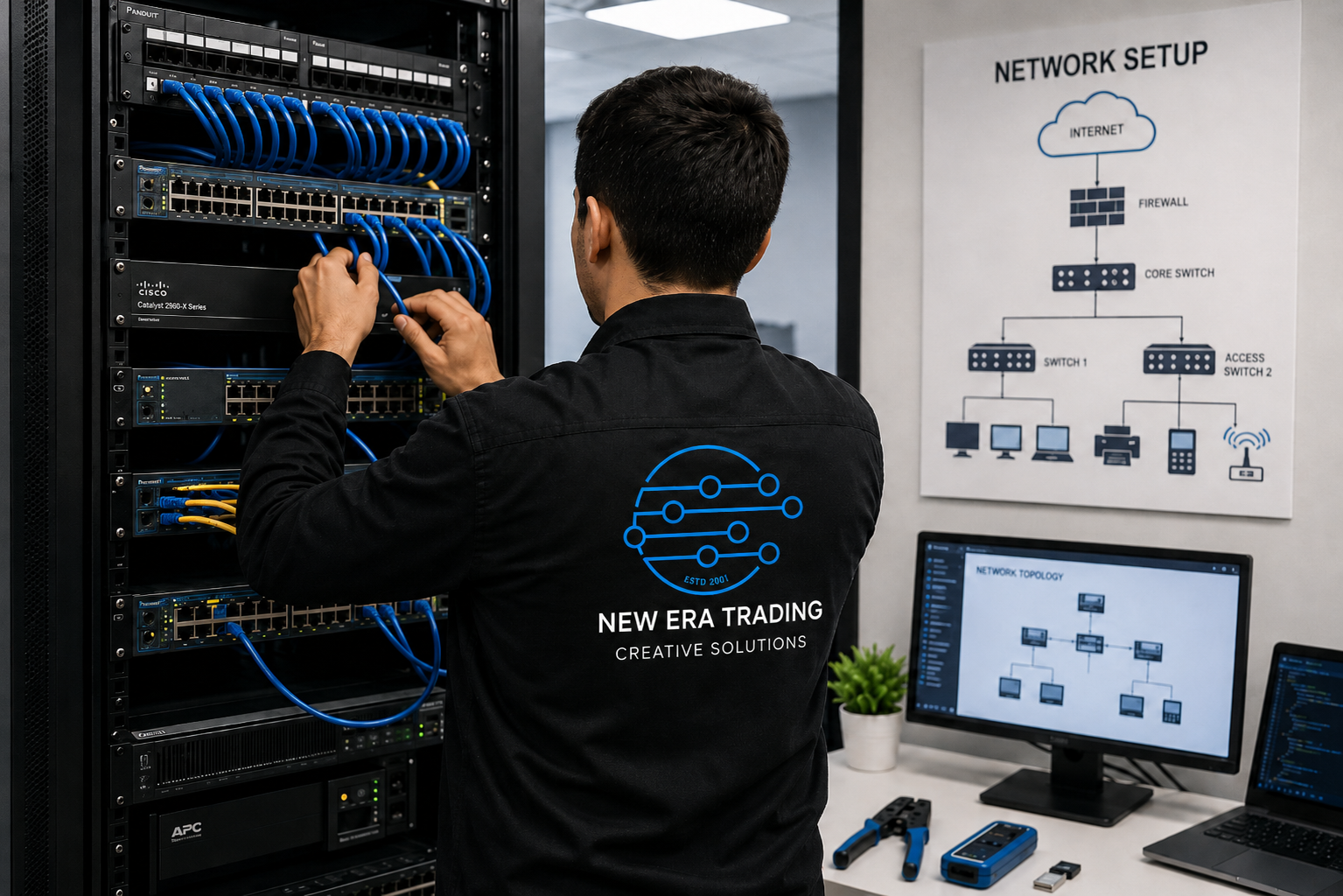
Our structured cabling services connect workstations, printers, phones, recording equipment, and other compatible devices.
We work out where cables need to run and where connections will be most useful. We also keep things labeled and organized so it’s easier to find the right cable later.
Depending on what you need, the work may include:
Cat5e, Cat6, or Cat6A cable runs.
Wall outlets and labeled connections.
Patch panels and network racks.Switch connections and cable organization.
Testing of the installed connections.
We’ll explain the proposed cabling and what’s included in your quotation.
A Network That Supports Your Security Cameras
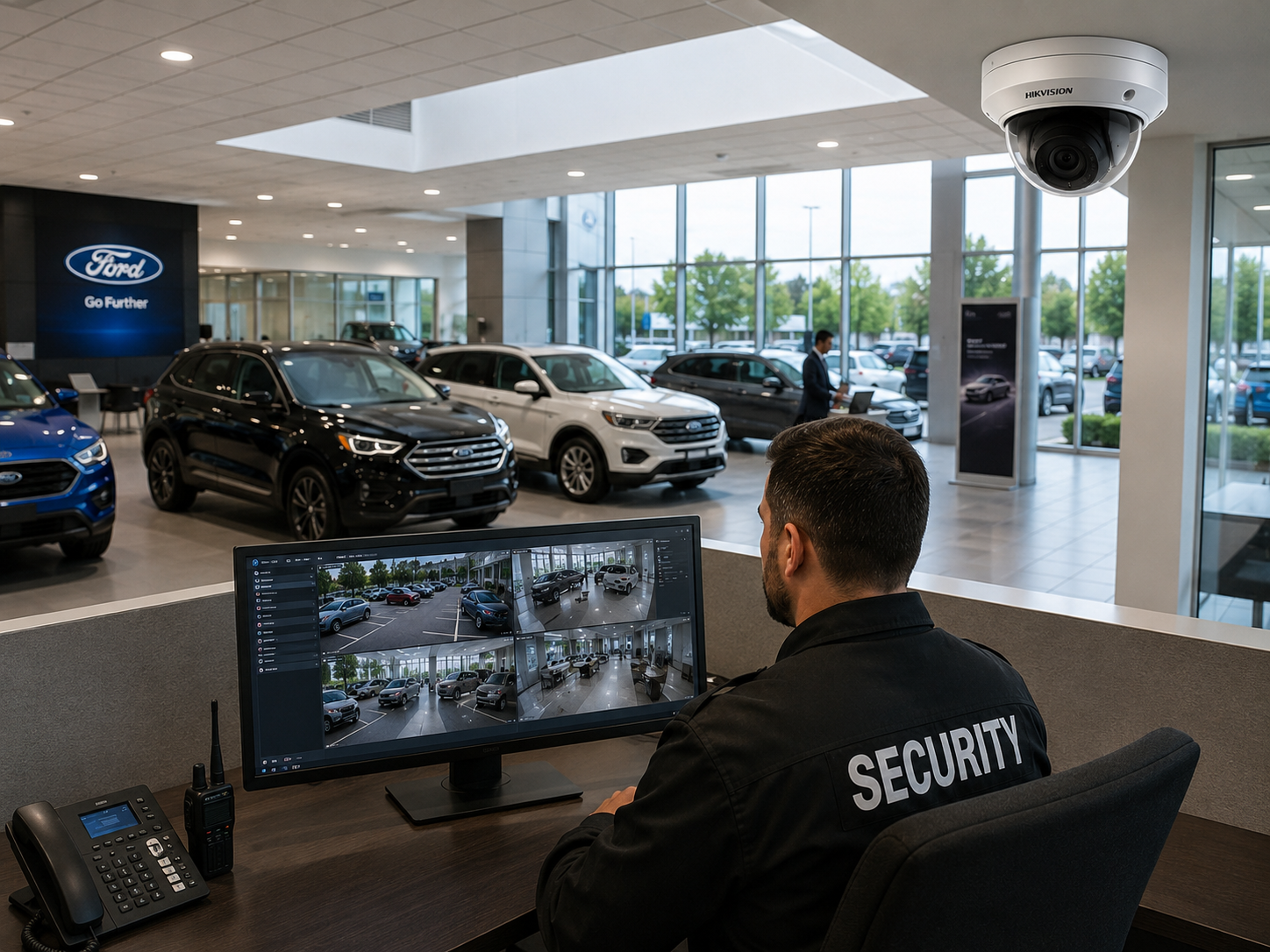
Cameras need more than a suitable mounting position. They also need dependable connections to recording equipment and any remote access services you use.
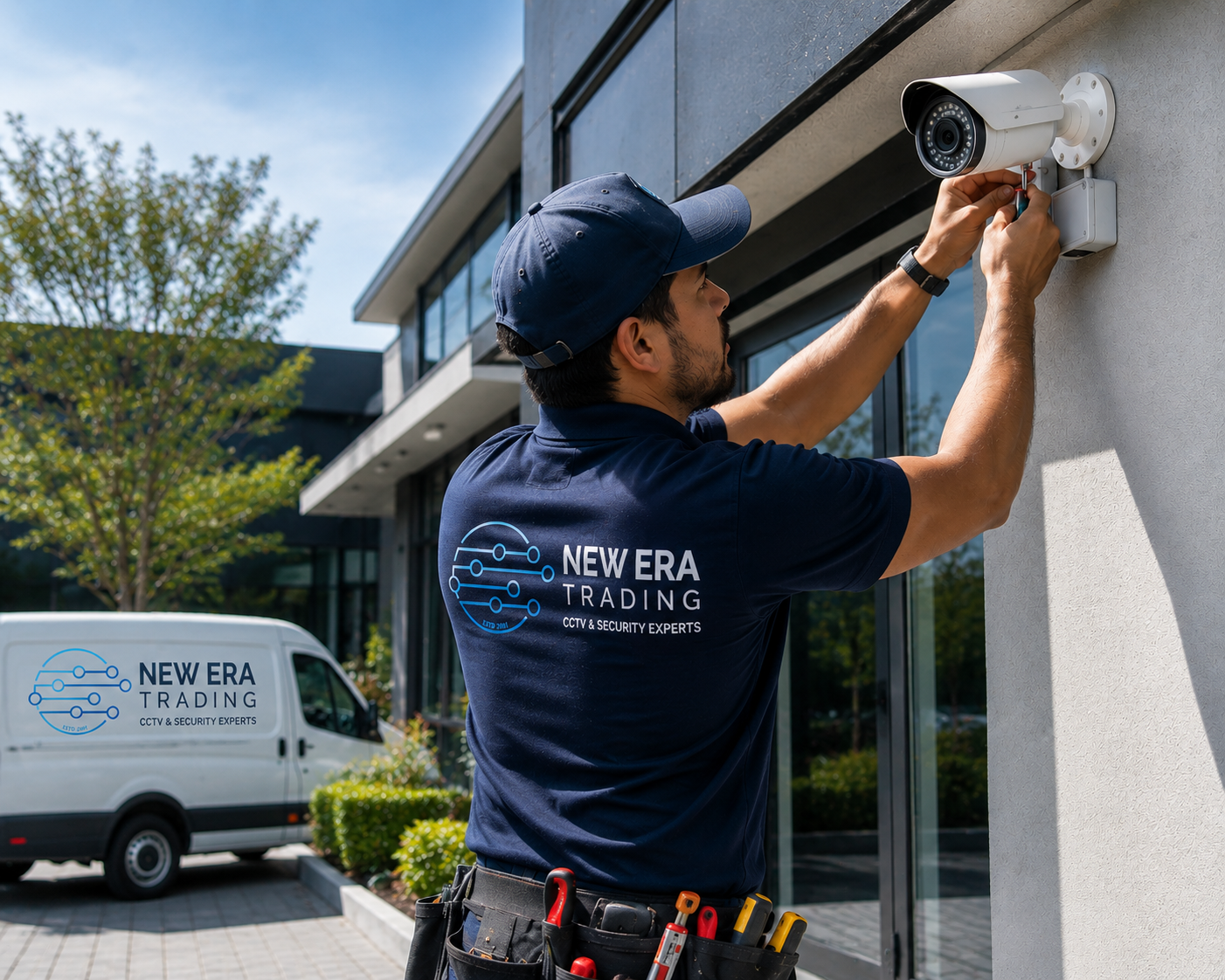
With security camera network setup, we consider camera count, available network capacity, equipment compatibility, and power requirements.
For compatible cameras, Power over Ethernet—or PoE—can carry power and data through one cable. We check the switch’s available power and connection capacity when planning the setup.
If cameras are part of your project, explore our security camera systems in Houston for equipment and coverage options.
Connect Routers, Switches, and Access Points Properly
A network can have good equipment and still be difficult to use if the devices aren’t configured to work together.
We handle router and switch configuration around the agreed requirements of your business. That can include device addressing, wireless settings, supported access controls, and connections between network equipment.
We also discuss who needs access and how the setup will be managed after handover.
Keep Guest Access Separate From Business Devices
Customers may need internet access, but they don’t need access to your office equipment or camera recorder.
Where supported by the equipment, we can configure separate network segments for staff, guests, and security devices. This may involve guest Wi-Fi setup and VLAN configuration, depending on the project.
We also review relevant passwords and access settings. The aim is to give people the connection they need while keeping access to business equipment controlled.
Find Out Why Your Connection Keeps Dropping
You may not need to replace the whole network.
Sometimes it’s a damaged cable. Other times, the access point is in the wrong spot, settings clash, or too many devices are sharing the connection. The problem could also be with your internet service.
With our network troubleshooting services, we’ll check what’s happening and work out what needs fixing.
You might notice:
The Wi-Fi is fine in one room but keeps dropping in another.
Your cameras go offline during the day.
Computers won’t connect to a shared printer or other equipment.
You can’t reliably view your cameras when you’re away.
Everything slows down when more people connect.
Problems started after new equipment was added.
We’ll assess the setup and explain the recommended work. If the issue sits with your internet provider, we’ll make that clear too.
Built Around Your Type of Business
Offices
Your team may depend on cloud applications, shared printers, phones, and video meetings throughout the day. We plan office network setup around workstations, meeting spaces, and the equipment staff use.
Retail Stores and Gas Stations
Counters, back offices, cameras, and other connected equipment often share a limited space. We look at connection locations and discuss appropriate separation between business devices and customer access.
Warehouses
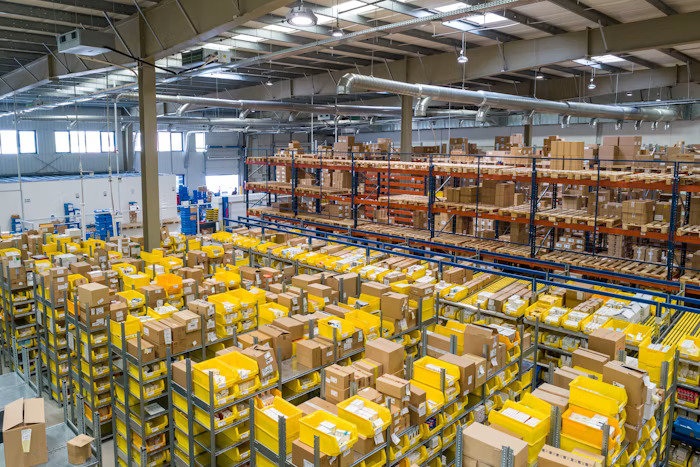
Wi-Fi may work fine near the office but drop out between the racks. We’ll check where your team needs a connection and work out where to place access points and which equipment is better connected by cable.
Hotels, Clinics, and Restaurants
Guest access and operational equipment have different requirements. We discuss coverage, device connections, and access arrangements around how the property works.
Plan for the Equipment You’ll Add Later
A new employee, extra camera, or additional access point shouldn’t come as a surprise to the network plan.
We ask about likely changes before recommending switch capacity, cable locations, and equipment placement. Where practical, the design can allow room for additional connections.
If your project also involves new cameras and wiring, our commercial CCTV installation services can be discussed alongside the network work.
Support Recording and Remote Access
If you need to view footage away from the property, the cameras, recorder, network, and internet connection all need to support that access.
We help check those connections as part of the agreed scope. For complete recording and storage options, see our surveillance systems in Houston.
If you want trained operators to review camera activity during agreed hours, ask about our remote video monitoring services. Before we get started, we’ll check your equipment and talk through the connections you’ll need
How We Get Your Network Ready
1. Tell Us What’s Giving You Trouble
Does the Wi-Fi drop in certain rooms? Is a device struggling to stay connected? Tell us what you’re noticing. We’ll check your equipment and the areas where your team needs a reliable connection.
2. Go Through Your Options
After checking the setup, we’ll explain what we found and what we recommend. Your quote will outline the equipment and work involved, so you know what to expect.
3. Set Up Your Connections
We’ll install the equipment you’ve agreed to, organize the cables and connections, and configure the settings for the devices you use.
4. Check Everything and Walk You Through It
Before handing things over, we’ll test the agreed connections and coverage areas. We’ll also walk you through the main settings and share the handover details included in your project.
Help After Installation
Your network needs can change as your business grows. You might add equipment, move a desk, or find that the Wi-Fi needs attention after rearranging your space.
Our maintenance and support services can help with routine checks and troubleshooting. When you request a quote, we can also discuss the support options available for your setup.
Serving Houston and Nearby Communities
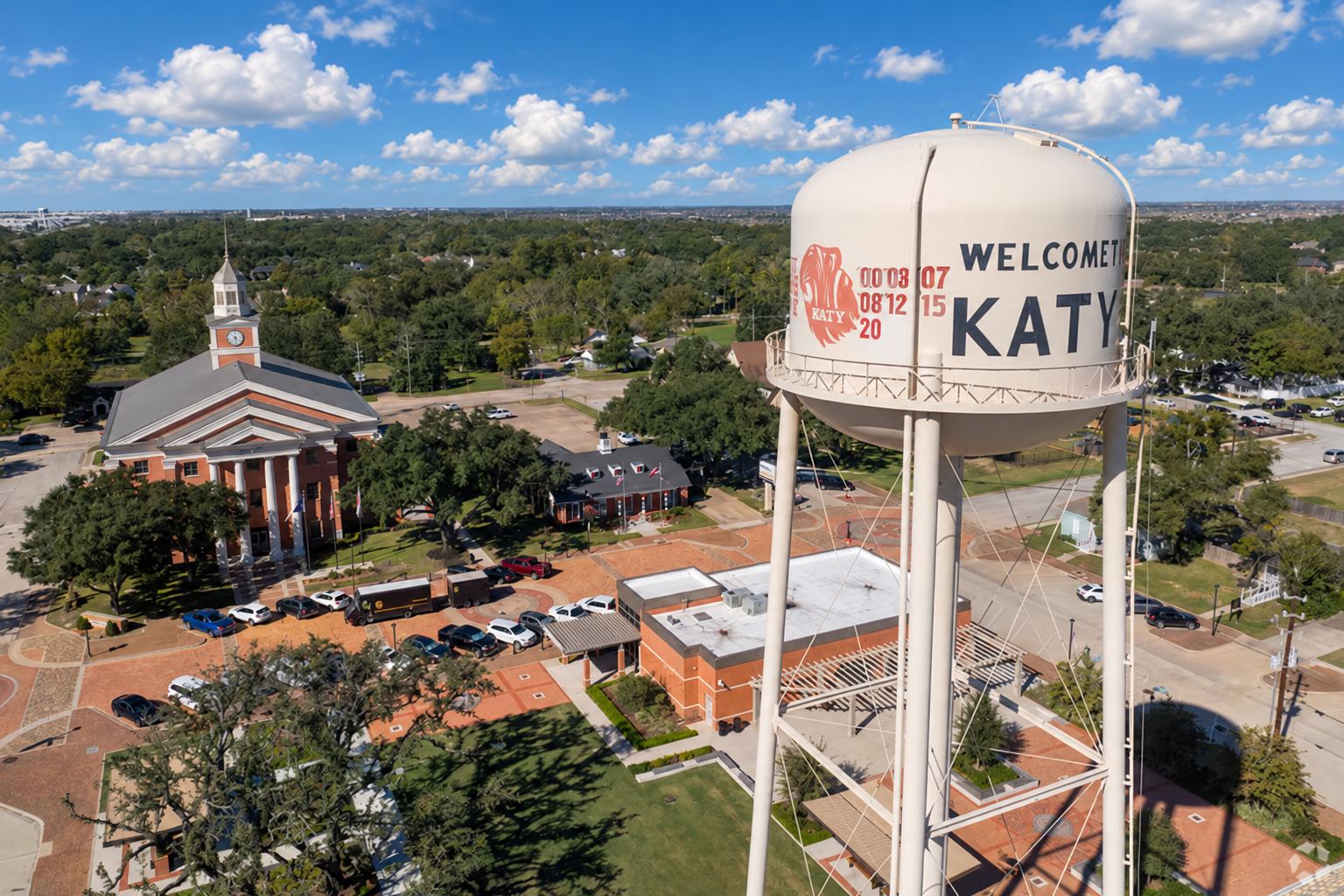
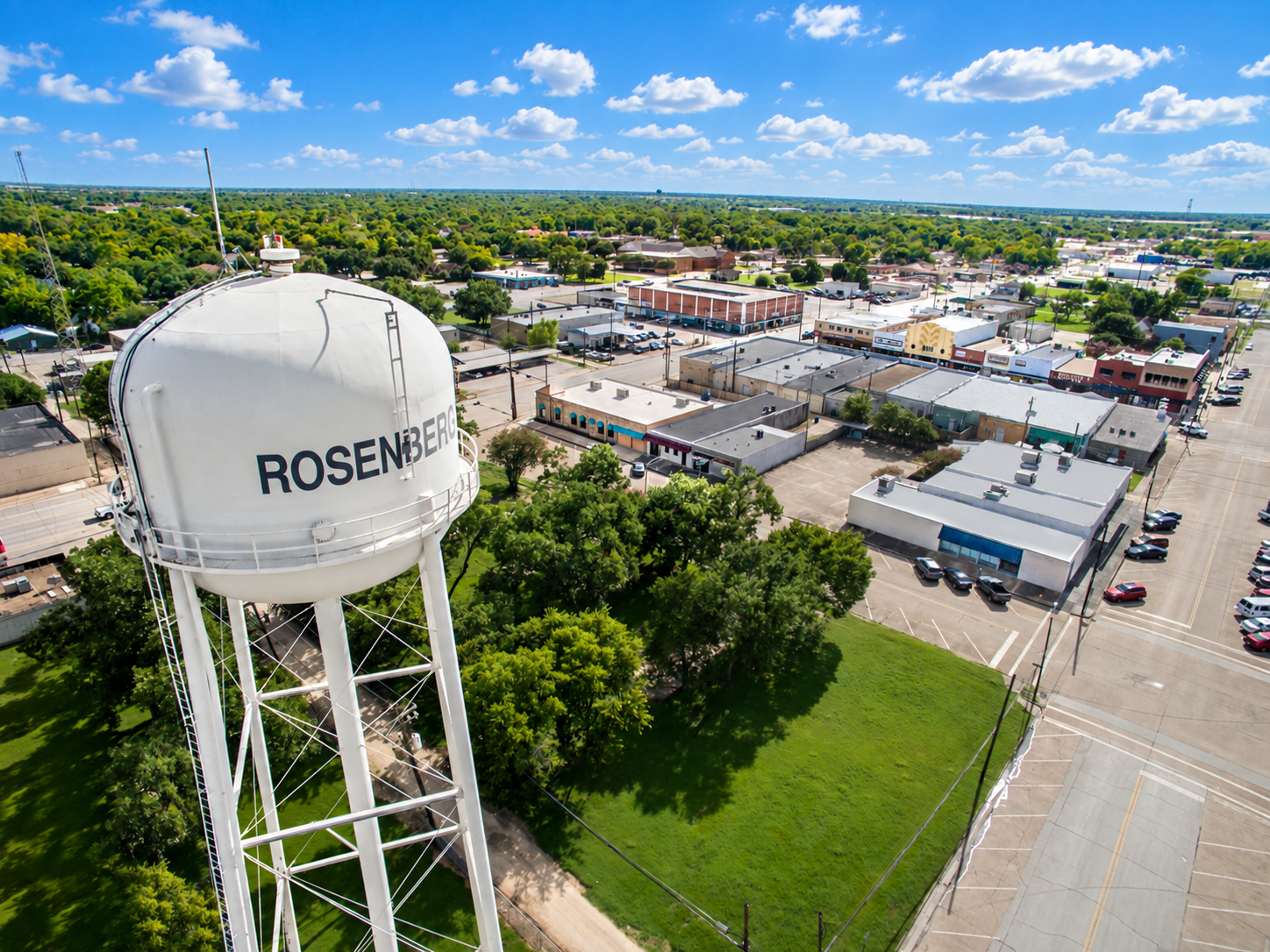
New Era Trading helps businesses across Houston, Katy, Richmond, Sugar Land, The Woodlands, and surrounding communities.
Send us your property address, tell us which devices you need connected, and describe any problems you’re having. We’ll confirm availability in your area and talk through what you need.
Let’s Sort Out Your Connections
Opening a new location? Moving equipment? Tired of the same connection problem coming back?
Tell us what needs to work and where it’s letting you down. We’ll help you decide what to do next.
What's Included
- Cat5e, Cat6 and Cat6A structured cabling
- PoE (Power over Ethernet) switches
- Wi-Fi access point installation
- Network switch installation & config
- IP address management
- VLAN configuration for security systems
- Network rack & patch panel installation
- Speed testing & certification
Our Process
Network Audit
We assess your existing infrastructure and identify gaps and upgrade opportunities.
Design & Planning
We create a detailed cabling and network plan for your property.
Cable Installation
Professional installation of all cabling with full containment and labelling.
Configuration & Testing
All network equipment is configured and fully load-tested before handover.
Frequently Asked Questions
Ready to Get Started with Network Setup Houston?
Get an instant estimated quote or book a free on-site assessment with our experts.