

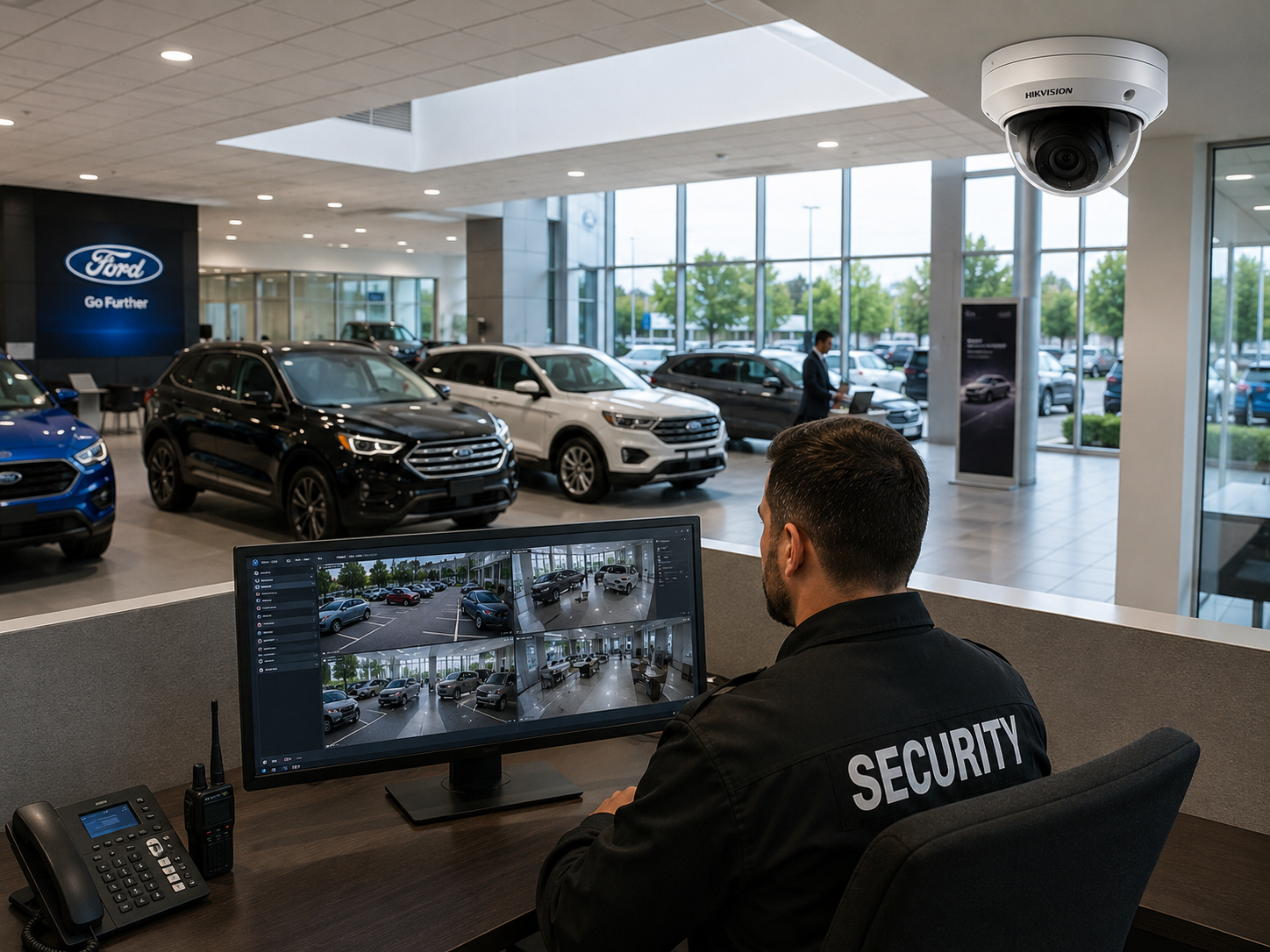
Car Dealership Video Monitoring for After-Hours Lots
Your lot sits dark from closing until the first salesperson shows up the next morning. That's rows of vehicles, wheels that come off in minutes, catalytic converters within easy reach, and keys that are supposed to be locked away. Overflow and storage lots are often farther from the building, with less light and fewer eyes on them. A recorder shows you what happened after the damage is done. Remote video monitoring puts trained people on your cameras during the hours your dealership's empty.
New Era Trading's own staff monitor customer cameras from our own monitoring facility, 24/7 or on a custom schedule. We've served business customers for over a decade, we monitor locations across the USA, and we install cameras in the Houston area. You can see how the service works on our remote video monitoring page.
What Operators Watch for on a Dealership Lot
First, we'll agree with you on the camera views that matter and what activity should trigger a response. On a dealership property, that's usually:
- After-hours lot activity, like people walking between rows, crouching beside vehicles, or jacking up a car.
- Catalytic converter and wheel theft attempts, which tend to involve tools, a vehicle parked close to inventory, and fast movement.
- Vehicle movement when nothing should be leaving the lot.
- Large dark areas and lot edges, including fence lines and entrances that are easy to walk up to without being seen.
- Overflow and storage lots that sit apart from the main showroom.
- The service drive at night, where customer vehicles and drop-box keys get left after hours.
- Key and building access, with staff arrival and departure records for opening and closing.
Scheduled virtual guard tours add regular after-hours checks of each area, even on nights when nothing's set off an alert.
How We Handle an Incident, Step by Step
1. Detect
An operator sees activity through a video alert, live watching of selected views, or a scheduled tour of the lot.
2. Assess
The operator checks whether it's expected (a porter, a late service customer, a transport truck) or whether your response plan says it's time to act.
3. Respond
If your equipment supports two-way audio, the operator can give a verbal warning through an on-site speaker. Then they'll contact your designated people, say a general manager or security lead, in the order your response plan lists.
4. Report
You'll get an incident report with the time, location and activity, plus clips or snapshots when they're available. Keep it for your own records, your insurer, or a police report if you decide to file one.
Existing Cameras, LPR and Low-Light Coverage
We work with many existing camera systems and check compatibility before monitoring starts. Dealership lots are big, though, and older cameras often struggle with the far rows and low light. If you need better coverage, we can design and install security camera systems built for large, dimly lit lots in the Houston area. Add license plate recognition at the entrances and exits and you'll have a record of which vehicles came and went. That's handy when you're reviewing after-hours activity.
Still deciding between monitoring and recording alone? Read video monitoring vs. recording. For more on our work with auto businesses, visit the dealership industry page.
One Rooftop or Several
We can cover one dealership or several rooftops and storage lots under one plan, each with its own schedule and contacts. Pricing isn't one size fits all. We quote every plan based on lot size, camera count and hours.
Get a Free Assessment
Tell us about your lots, the cameras you've got now and the hours that worry you most. We'll check compatibility, recommend coverage and a response plan, and put together a custom quote. Request your free assessment today.