

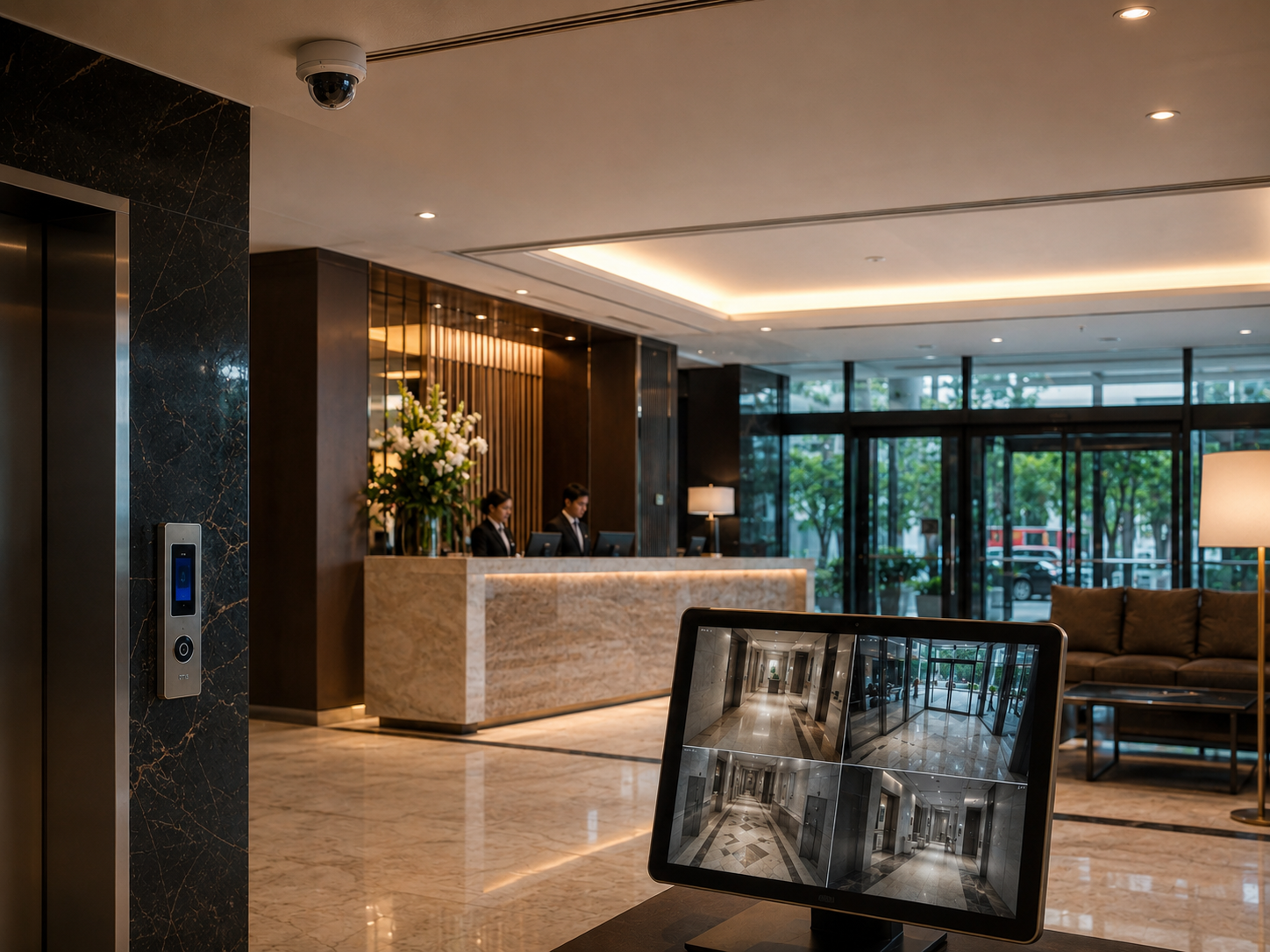
Apartment Complex Video Monitoring for Multifamily
Your leasing office closes at six, but your community doesn't. Residents come and go through the garages and gates all night. The pool and fitness room have posted hours, and not everybody follows them. Packages pile up in the mail room, vacant units sit empty, and the dumpster area draws people who don't live there. Your on-site team can't watch all of it, and recorded video only helps after something's already happened. Remote video monitoring gives you, the property manager or owner, trained people watching selected cameras during the hours that matter.
New Era Trading's own staff monitor customer cameras from our own monitoring facility, 24/7 or on a custom schedule. We've worked with business customers for over a decade, we monitor properties across the USA, and we install cameras in the Houston area. You can read how the service works on our remote video monitoring page.
What Operators Watch for at Apartment Communities
We'll agree with your management team on which views matter and what activity calls for a response. At a multifamily property, that usually includes:
- Parking garages and lots, including people moving between cars or hanging around in stairwells and corners.
- Amenity areas after hours, like the pool, fitness center and clubhouse once they've closed.
- Package rooms and mail areas, where unattended deliveries are an easy target.
- Gates and entrances, including gates held open, tailgating, or vehicles coming in when the gate should be shut.
- The leasing office after hours, including the doors and the front of the building.
- Vacant units and make-ready areas, which can draw unauthorized entry.
- Dumpster and trash areas, where illegal dumping and loitering are common complaints.
Scheduled virtual guard tours give each area a regular after-hours check. Staff arrival and departure records help you confirm when vendors and on-site staff were actually on the property.
How We Handle an Incident, Step by Step
1. Detect
We pick up activity through a video alert, live watching of selected views, or a scheduled tour.
2. Assess
The operator decides whether it's normal resident activity or something your response plan says to act on, like someone in a closed amenity area or forcing a door.
3. Respond
If your equipment supports two-way audio, the operator can give a verbal warning through an on-site speaker, like telling a group the pool's closed and they need to leave. Then they'll contact your designated people, such as a property manager, maintenance lead or courtesy officer, in the order you set.
4. Report
Your team gets an incident report with the time, location and activity, plus clips or snapshots when they're available. Those records help with resident communication, lease enforcement, insurance claims, or a police report if you choose to file one.
Work With Your Existing Cameras or Upgrade Coverage
Plenty of communities already have cameras up. We work with many existing camera systems and check compatibility first. Where there are gaps, like garage levels, gate lanes or the back of the property, we can add cameras through our CCTV installation service in Houston. License plate recognition at the gates and garage entrances gives you a record of vehicles coming and going.
Wondering what monitoring adds over just recording? Read video monitoring vs. recording.
One Community or a Portfolio
We can cover one property or several communities, each with its own schedule, camera views and contact list. We quote pricing per portfolio, based on properties, cameras and hours.
Get a Free Assessment
Tell us about your property, the cameras you've got now and the areas that generate the most calls. We'll check compatibility, recommend a monitoring schedule and response plan, and put together a custom quote. Request your free assessment to get started.